
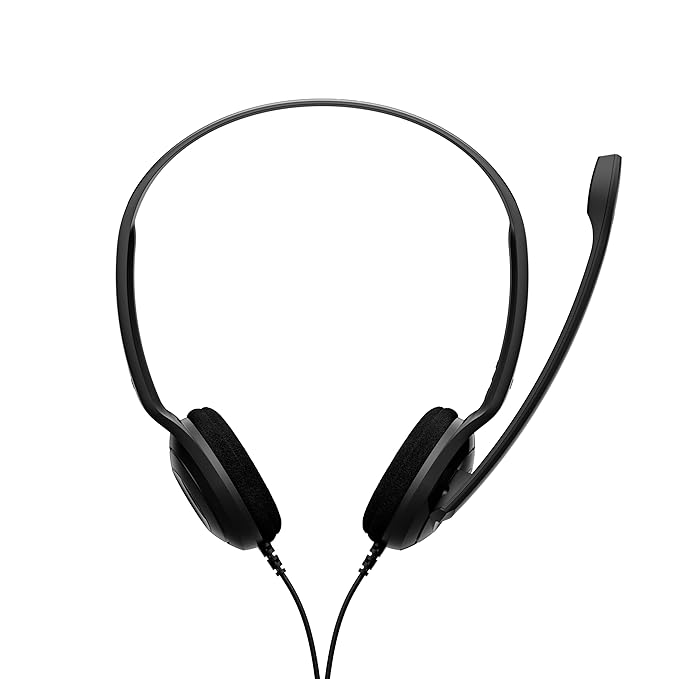



Frequently Asked Questions (FAQ)
1. Is the EPOS PC 8 USB Headset compatible with Microsoft Teams and Zoom?
Yes, the EPOS PC 8 USB Headset is a plug-and-play device that works seamlessly with all major VoIP platforms, including Microsoft Teams, Zoom, Skype, and Google Meet.
2. Does this headset require any drivers?
No, the EPOS PC 8 USB Headset features a built-in USB sound card. Simply plug it into a USB-A port on your PC or Mac, and it is ready to use immediately.
3. Can I use the EPOS PC 8 USB Headset for gaming?
While optimized for voice communication, the stereo sound quality and noise-canceling mic make it an excellent budget-friendly option for casual gaming on PC and Mac.
4. How long is the cable?
The headset comes with a generous 2-meter (6.6 feet) cable, providing plenty of room to move around your desk during calls.
What’s in the Box?
-
1 x EPOS PC 8 USB Headset (Black)
-
1 x Quick Start Guide
-
1 x Safety Guide
Why the EPOS PC 8 USB is the Best Choice for Remote Work?
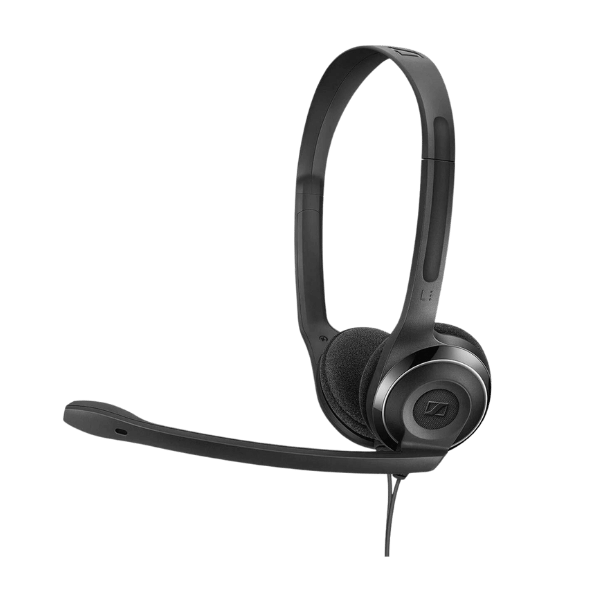
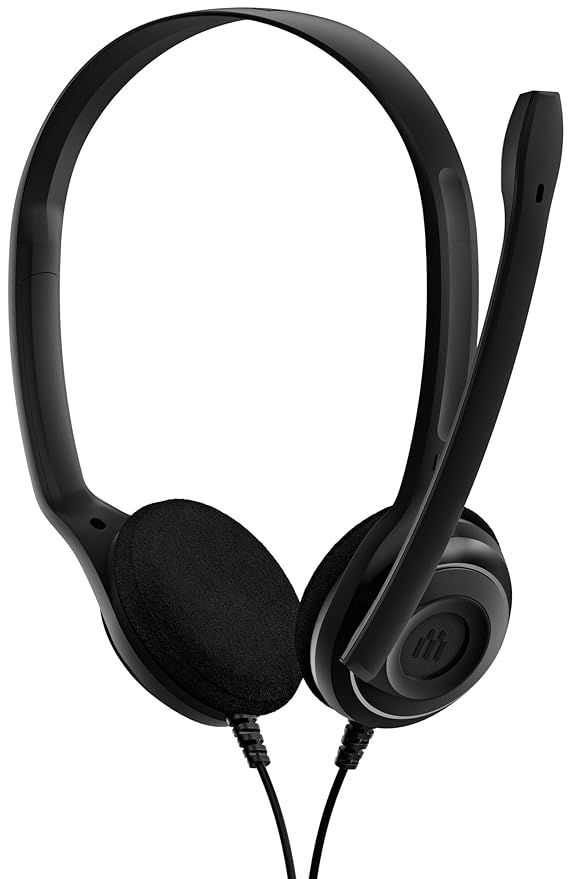
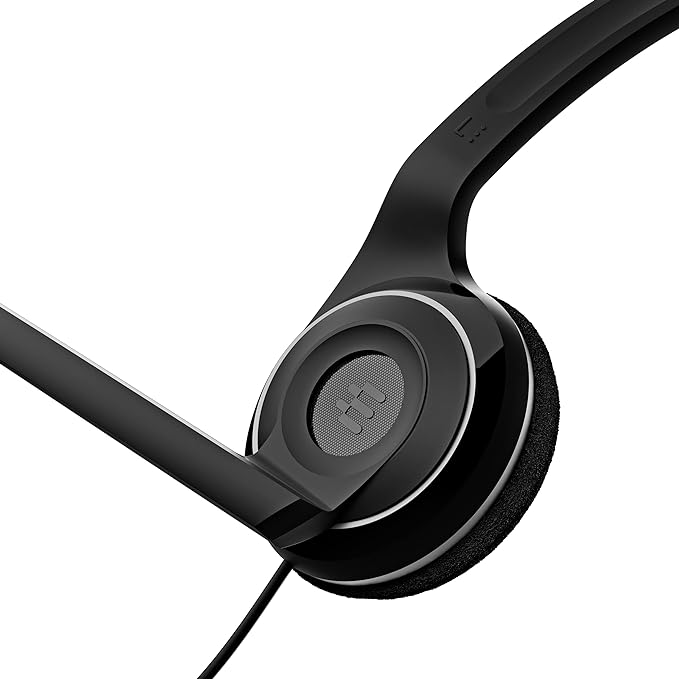
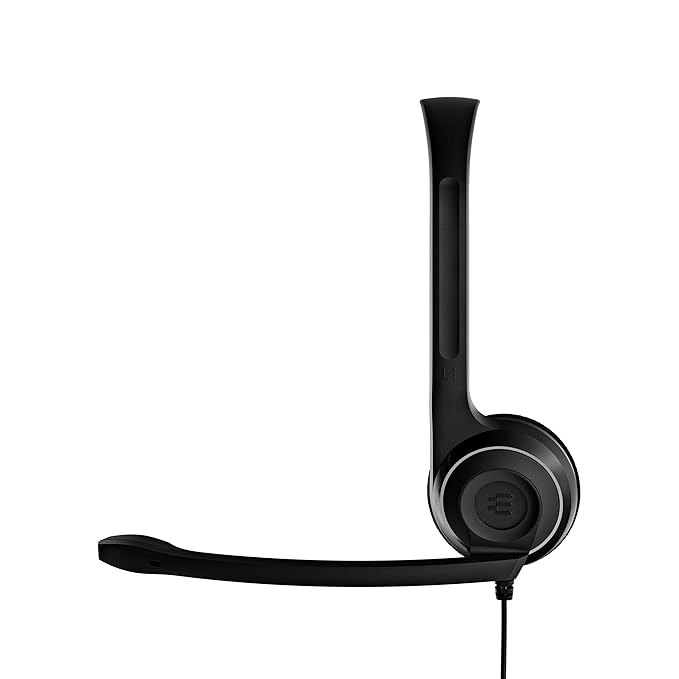
When searching for the best affordable USB headset for Zoom and Teams, the EPOS PC 8 USB Headset consistently ranks at the top. Unlike standard laptop microphones that pick up every echo in the room, this noise-canceling headset for noisy home offices uses a dedicated unidirectional mic to isolate your voice.
Many users ask about the EPOS PC 8 USB vs PC 7 USB comparison. While the PC 7 is a single-sided (monaural) headset, the PC 8 offers a full stereo experience. This makes it a superior lightweight wired headphone for online teaching or students who need to block out household distractions to stay focused. Additionally, as a stereo USB headset for Mac and Windows 11, it offers universal compatibility that requires no driver updates—making it a true "plug-and-work" solution for the modern professional.







Reviews
There are no reviews yet.