
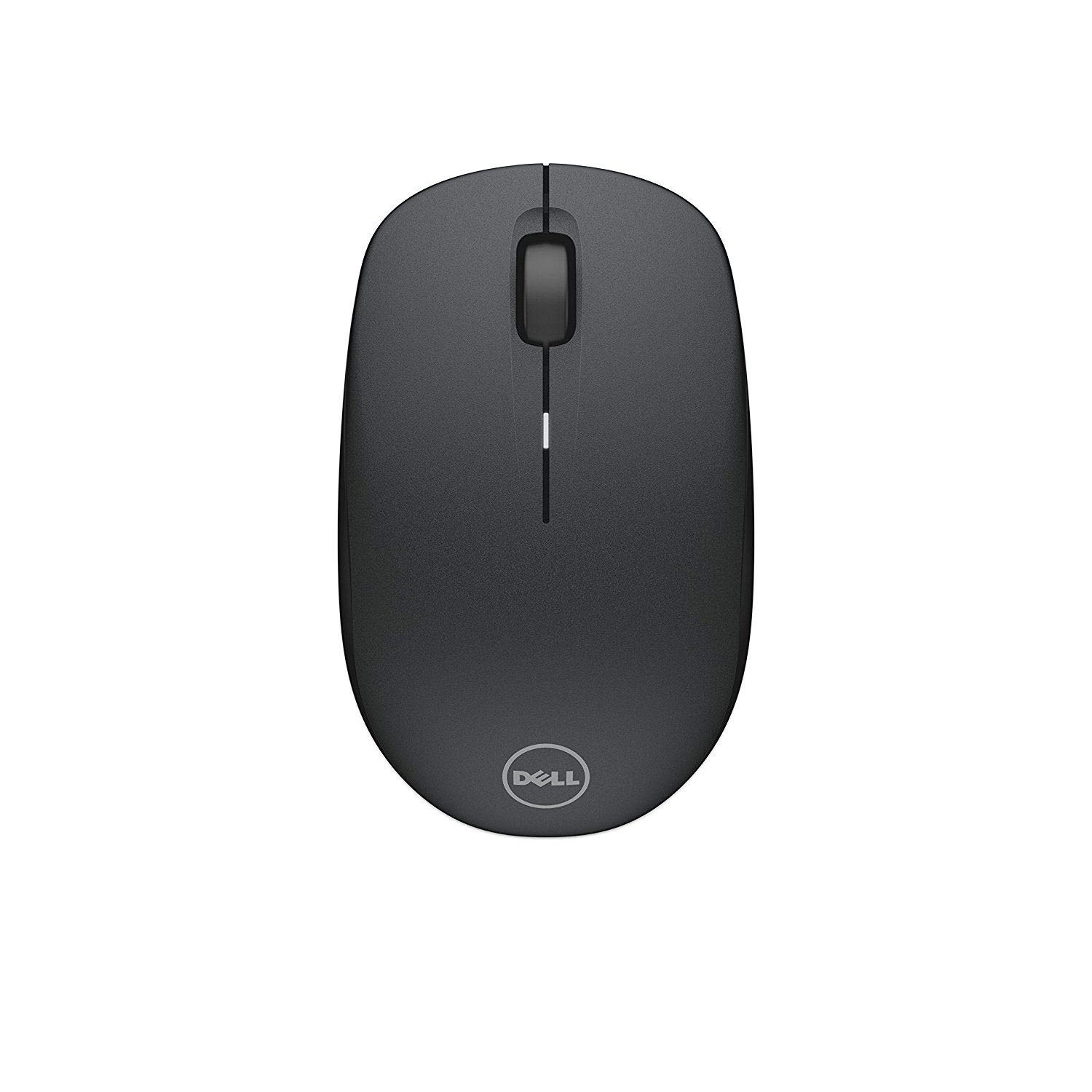
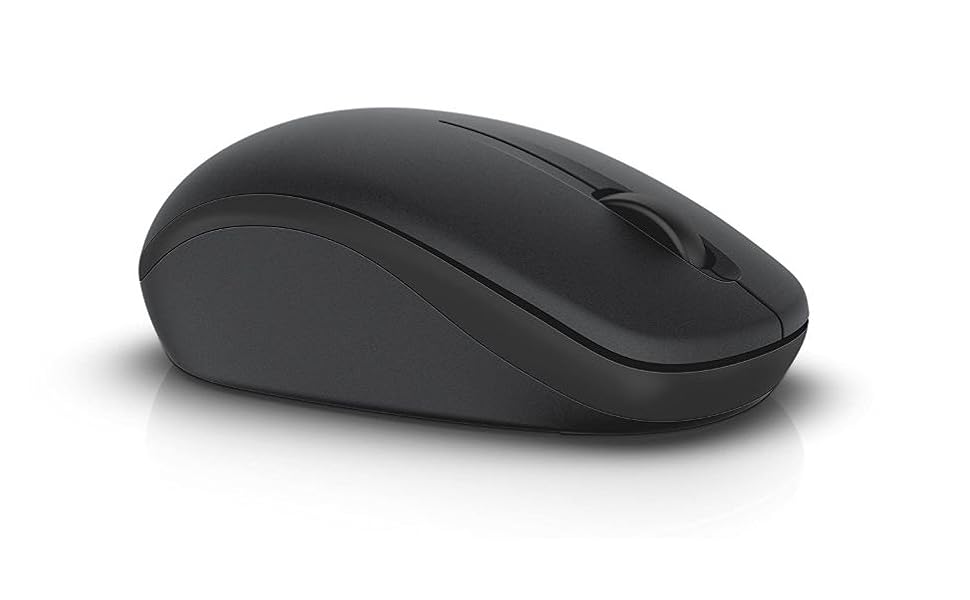
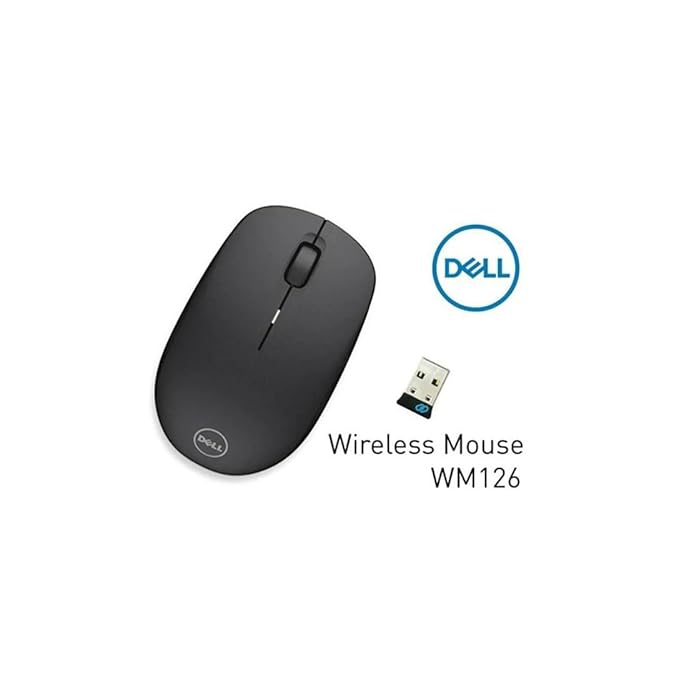



Dell WM126 Wireless Mouse (Optical)
The Dell WM126 Wireless Optical Mouse is an essential peripheral for anyone looking to declutter their workspace while maintaining high productivity. Specifically engineered for reliability, this mouse offers a comfortable ergonomic design and a long-lasting battery, making it the preferred choice for Dell laptop and desktop users.
Why the Dell WM126 is an IT Favorite:
-
Clutter-Free Connection: Enjoy a clean desk with 2.4GHz wireless connectivity via a plug-and-forget Nano receiver.
-
Dell Universal Pairing: Unique to Dell, this mouse can connect with up to six compatible devices (like your Dell wireless keyboard) using a single receiver.
-
Extended Battery Life: Work for up to 1 year on a single AA battery, reducing downtime and maintenance costs.
-
Comfortable Ambidextrous Design: Whether you are left-handed or right-handed, the contoured shape ensures comfort during long working hours.
-
Plug-and-Play: No software installation is required. It works instantly with Windows, Mac, and Linux.
| Feature | Details |
| Model Number | WM126 (Part No: 570-AAMP) |
| Connectivity | Wireless 2.4GHz (RF) |
| Sensor Type | Optical LED |
| Tracking Resolution | 1000 DPI |
| Buttons | 3 (Left, Right, Scroll) |
| Weight | 57.5g (Lightweight for travel) |
| Battery Life | Up to 12 Months |
| OS Support | Windows 7/8/10/11, Chrome, Mac, Linux |
Expert Review: TheITDeals Verdict
At TheITDeals, we recommend the Dell WM126 for office environments and remote setups. Unlike generic wireless mice, the WM126's Universal Pairing feature is a major advantage for IT managers looking to standardize peripherals across a fleet of Dell Latitude or Inspiron laptops. It is durable, responsive, and backed by Dell's reliable service network.
What’s in the Box?
-
1x Dell WM126 Wireless Mouse (Black)
-
1x USB Nano Receiver
-
1x AA Battery
-
Quick Start Guide
Buying Guide & Troubleshooting:
Dell WM126 Wireless Mouse: The Ultimate Buyer’s Guide
Choosing the right wireless mouse for your office or home setup can significantly impact your daily productivity. The Dell WM126 stands out as a top-tier choice for those who value durability and simplicity.
Why 1000 DPI Matters
The WM126 features a 1000 DPI (Dots Per Inch) optical sensor. This level of sensitivity is ideal for standard office tasks, spreadsheets, and web browsing, offering a perfect balance between speed and control. Unlike high-DPI gaming mice that can be twitchy, the WM126 provides smooth, predictable tracking on most surfaces.
How to Set Up Your Dell WM126
Setting up your new mouse is effortless:
-
Slide the top cover of the mouse off to access the battery compartment.
-
Insert the included AA battery, ensuring the polarity (+/-) is correct.
-
Remove the USB Nano receiver from its storage slot inside the mouse.
-
Insert the receiver into your laptop’s USB port.
-
Your operating system will automatically recognize the device within seconds.
Maintenance and Battery Care
While the Dell WM126 is rated for a 12-month battery life, you can extend this by using the integrated power switch on the bottom of the device when it's not in use. This is particularly useful for travelers who keep the mouse in a laptop bag where buttons might be accidentally pressed.
Troubleshooting Common Issues
-
Mouse not responding? Ensure the USB receiver is fully seated and try a different USB port. Check if the battery needs replacement.
-
Cursor jumping? Optical mice work best on non-reflective surfaces. If you are using a glass desk, we recommend a standard mouse pad for the best tracking experience.
-
Pairing multiple devices? Download the Dell Peripheral Manager software to link your compatible Dell wireless keyboards to the same USB receiver provided with this mouse.













Reviews
There are no reviews yet.